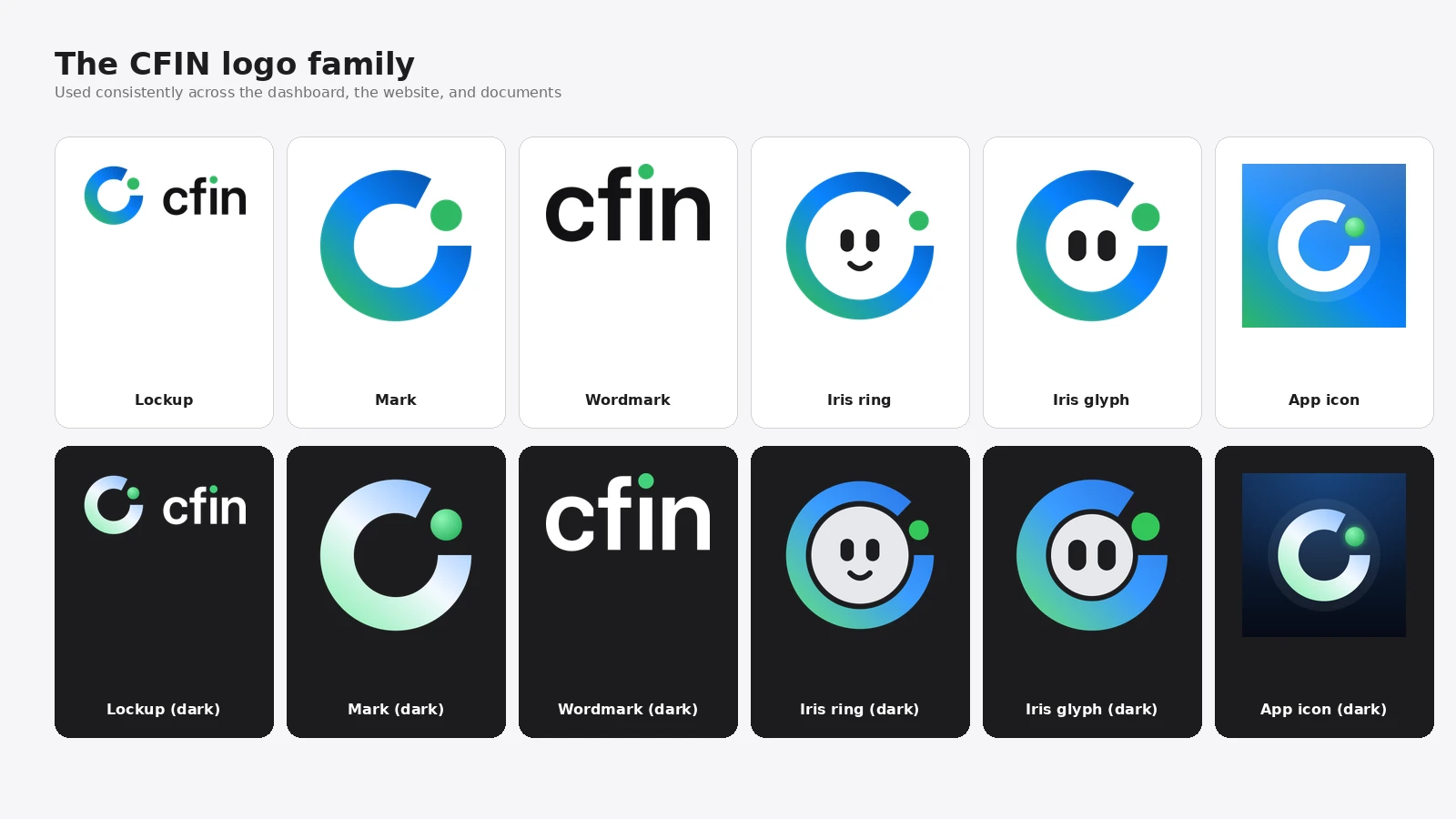
- The chat assistant has a new avatar built from the logo ring, the Iris Ring
- Calm green means normal; gentle orange (never red) flags something to check
- Appears only in chat and AI-assisted Support replies, never on statements or alerts
The chat assistant you can open from Charts and Support now shows a small avatar: a face framed inside the ring motif from our logo. We call it the Iris Ring, and it appears in the Charts chat assistant and next to AI-generated replies in Support conversations, so you can see at a glance when a reply came from the assistant rather than a person.
What changed
The Iris Ring shows a calm green light when things are running normally, and a gentle orange light — never red — if something needs your attention. You will see this avatar in the Charts chat assistant and beside AI-generated replies in Support conversations.




Why it matters
We wanted the assistant to feel approachable without resorting to anything that looks like a promise about trading outcomes, so the design deliberately avoids anything like a rising chart or similar imagery. The avatar is simple, calm, and consistent with the rest of the new look.
What you need to do
Nothing is required. One thing worth knowing: the Iris Ring avatar only ever appears in chat and AI-assisted support replies. You will never see it on a statement, an invoice, or an account alert — those stay plain and unambiguous.
In detail
- The avatar appears in the Charts chat assistant and beside AI-generated replies in Support conversations.
- A calm green light shows things are running normally; a gentle orange light (never red) shows something needs your attention.
- You will never see the Iris Ring avatar on a statement, invoice, or account alert — it is reserved for conversational, assistant-style moments only.
- The design deliberately avoids any imagery, like a rising chart, that could be read as a promise about trading outcomes.
One more thing
We thought carefully about where this avatar should and should not appear. Keeping it out of statements, invoices and alerts is deliberate: those documents are about facts and figures, not conversation, and mixing in a friendly mascot there would blur that distinction.
If you ever interact with a reply that carries the Iris Ring avatar, it is a signal that the reply was AI-assisted; a human team member's replies are shown without it.