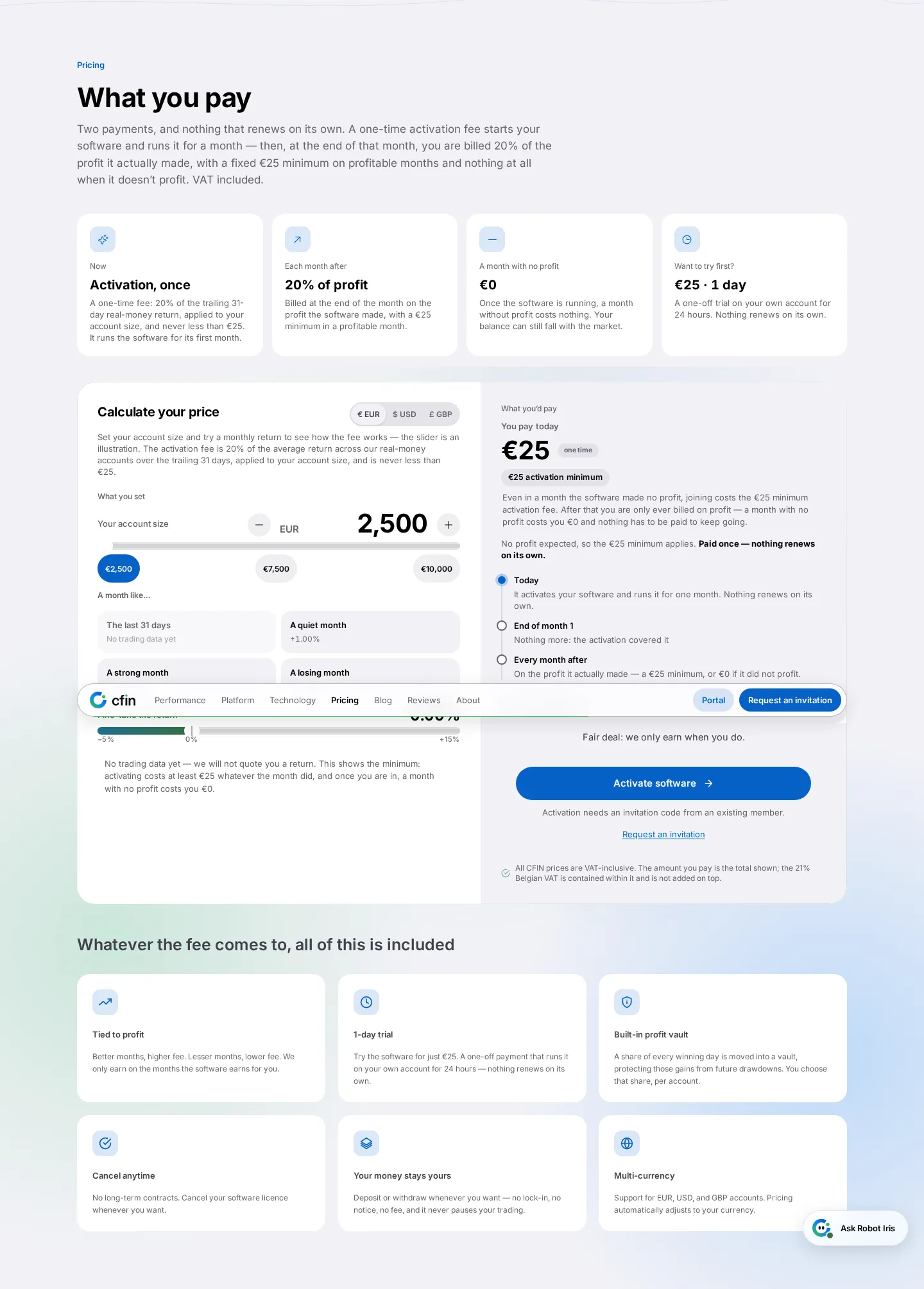
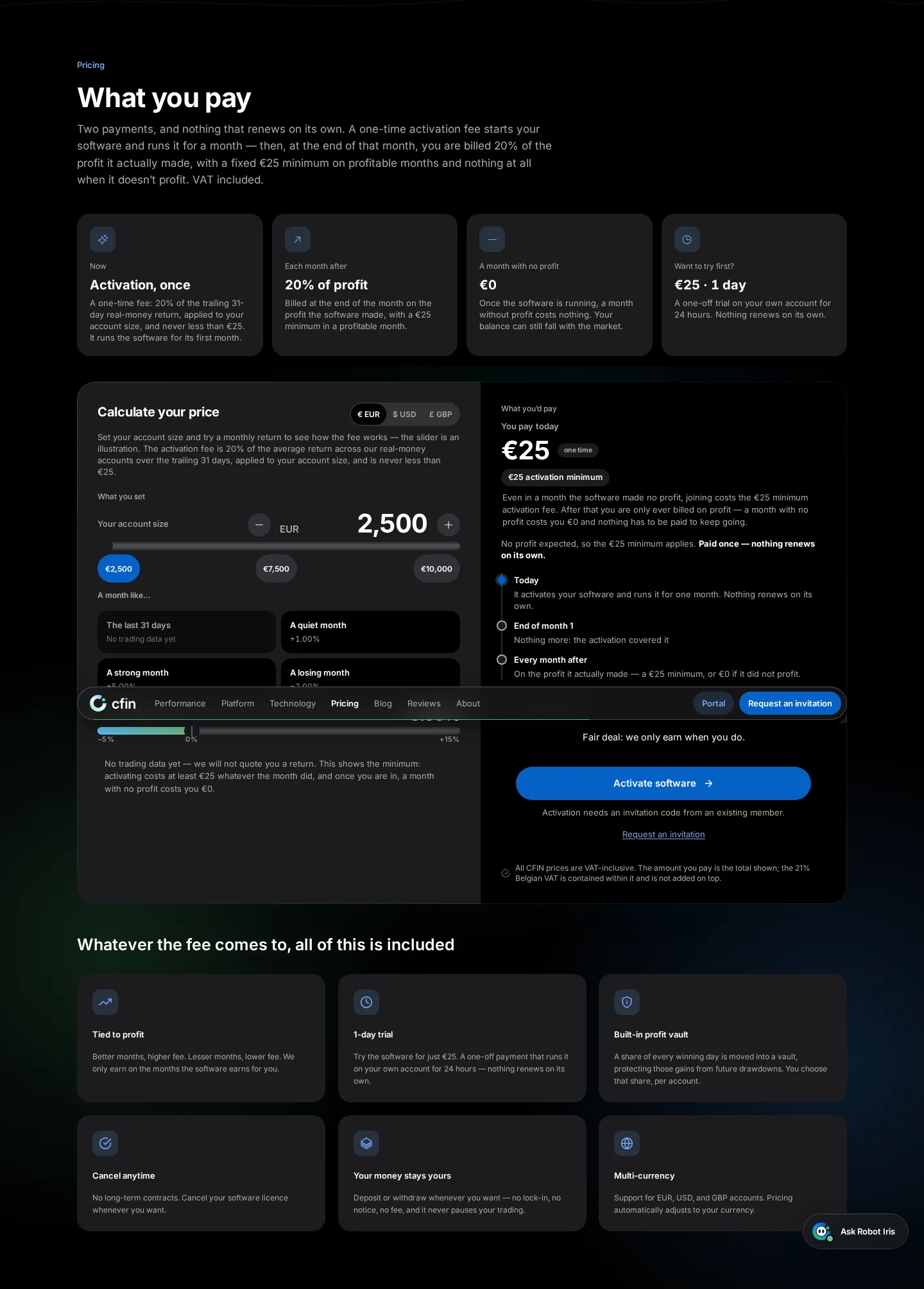
- Homepage licence-fee calculator rebuilt in the new design
- Count-up animation and VAT-inclusive figures throughout
- Currency toggle now announces its state to screen readers
On the CFIN homepage, the interactive calculator that shows how your licence fee is worked out has been rebuilt in the new card style, with a subtle glow and an animated count-up when figures change. We also fixed its currency toggle so it correctly announces which currency is selected to screen readers and other assistive technology.
Why it needed the same polish
The calculator is one of the clearest ways for a prospective customer to understand pricing before signing up, so it deserved the same attention as the rest of the homepage. The accessibility fix matters because a toggle that doesn't announce its state is effectively invisible to someone using a screen reader.




What you need to do
Try the calculator on the homepage to see how the licence fee is worked out for a given account size — VAT is included in every figure it shows.
In detail
- Entering an account size updates the shown fee with a short animated count-up.
- A currency toggle lets you view figures in your preferred currency, and now correctly announces the selected currency to screen readers.
- Every figure already includes VAT.
- The calculator reads its numbers from the same pricing source used throughout the rest of the product, so nothing here is a separate, hand-typed estimate.
One shared source of numbers
Because the calculator reads its numbers from the same pricing source used throughout the rest of the product, it can never show a figure that disagrees with what you'd see later on your own Billing page.
The currency-toggle fix was small, but meaningful: a control that doesn't announce its own state is effectively unusable for anyone relying on a screen reader, even though it looks fine visually. We see this calculator as one of the more important small tools on the site, since it's often the first concrete, specific figure a prospective customer sees.