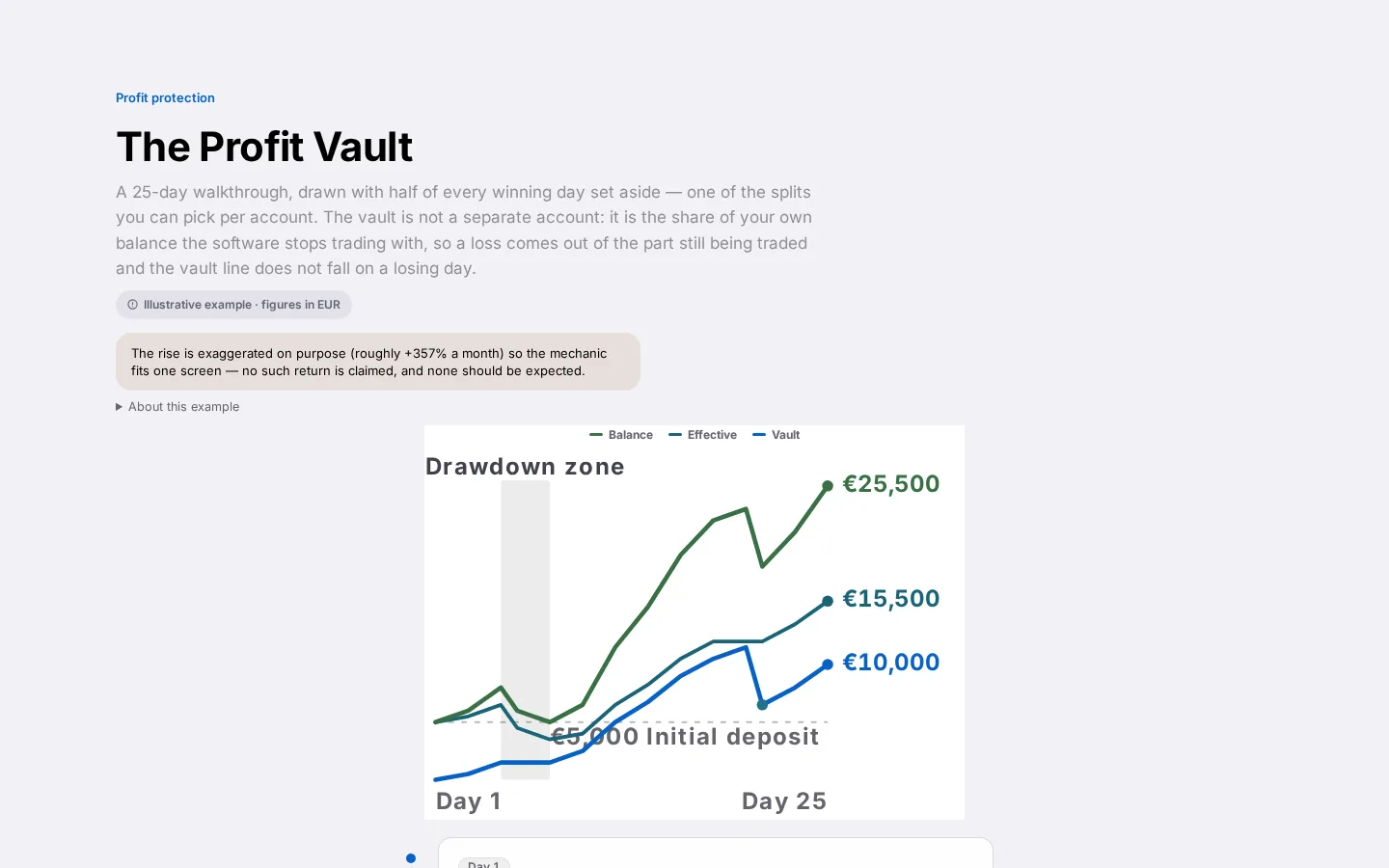
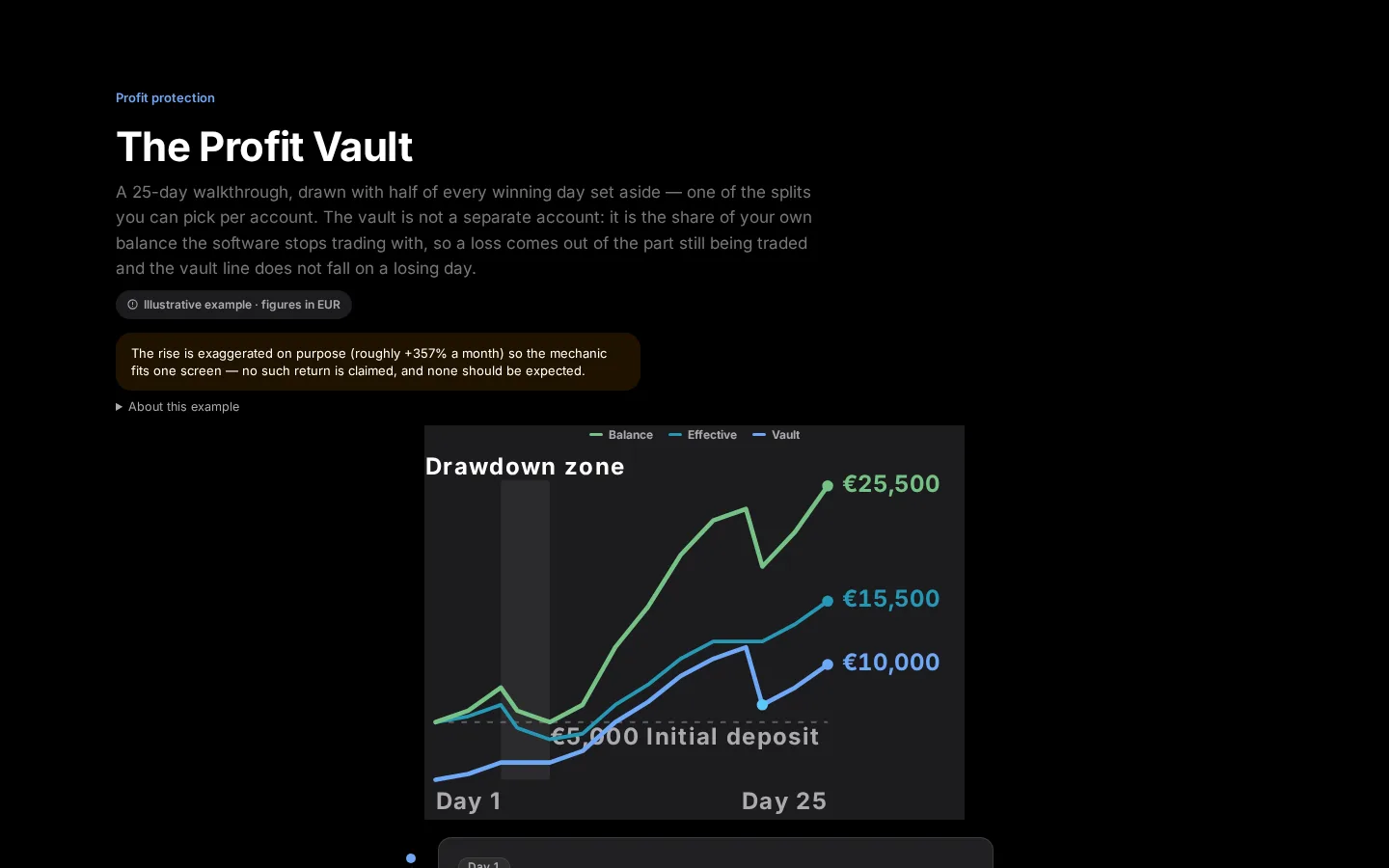
- The Vault page shows your balance, history and a step-by-step broker guide
- Confirming a withdrawal or deposit tells CFIN it genuinely happened
- Trading on the account starts again within minutes of confirming
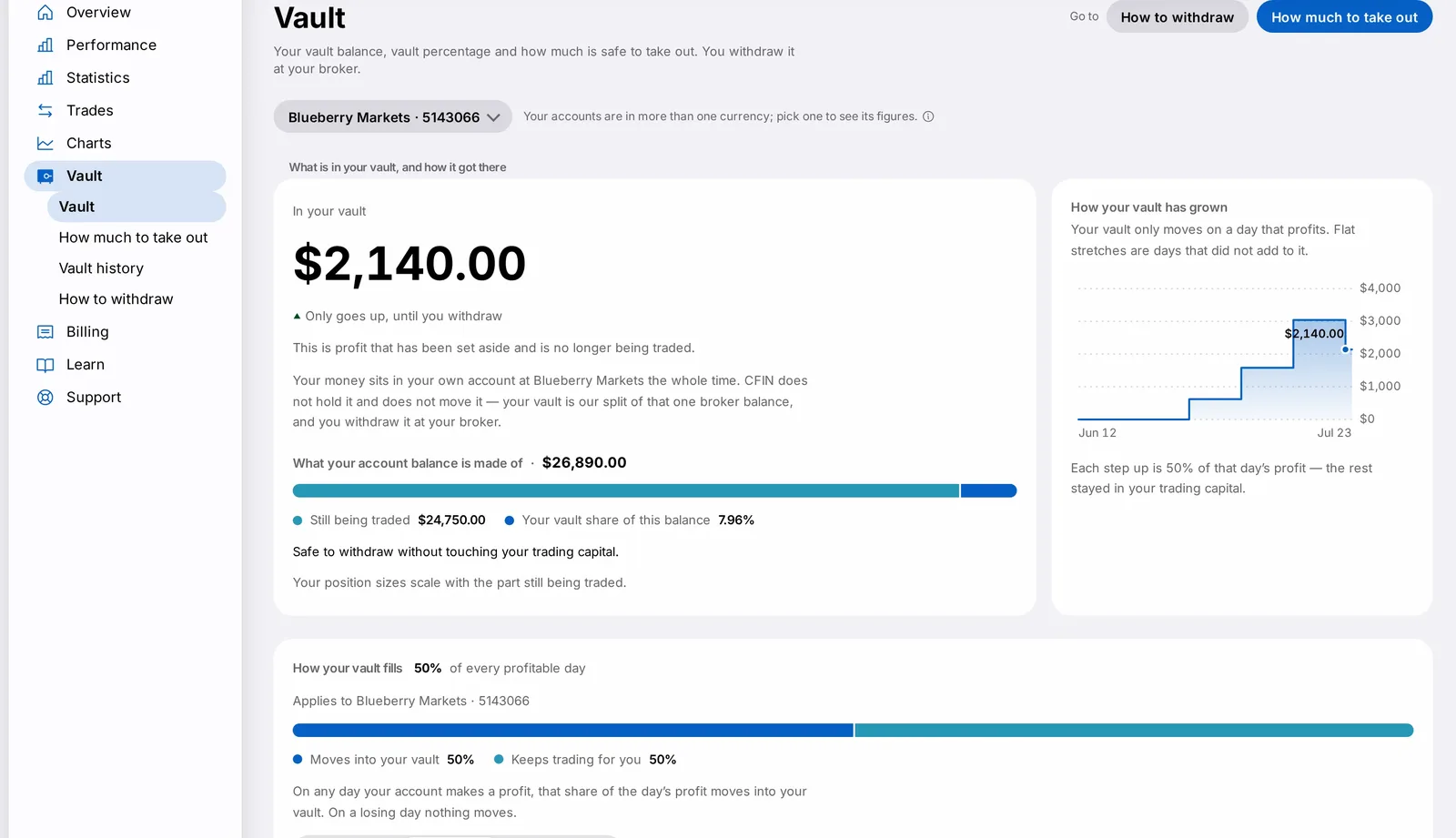
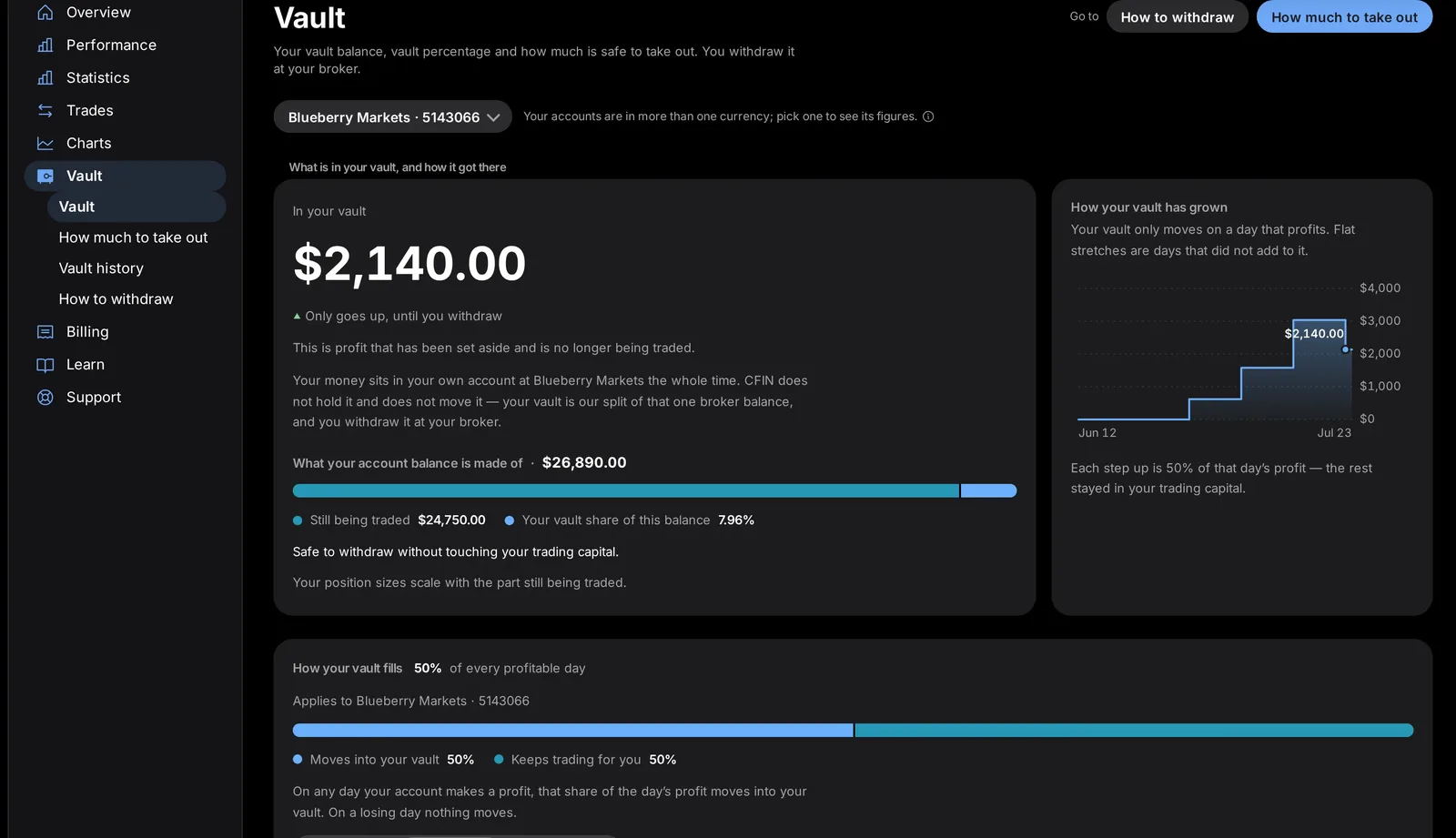
The Vault page, reachable from the sidebar, shows your current balance, its history, and a step-by-step guide to withdrawing or depositing at your broker. This post walks through finding it and confirming a withdrawal or deposit, so trading on your account starts again.
Finding and confirming
- Open Vault from the sidebar (or from "More" on iPhone).
- Make your withdrawal or deposit directly at your broker.
- Return to CFIN and confirm it in the dialogue that appears — a sheet on desktop and tablet, an alert on iPhone.
- Confirm the amount and date; trading on the whole account starts again within minutes.




What you need to do
Always confirm a withdrawal or deposit promptly after making it at your broker, so your account's trading status reflects reality as quickly as possible.
Remember that CFIN never holds or moves your money itself — that happens directly between you and your broker.
In detail
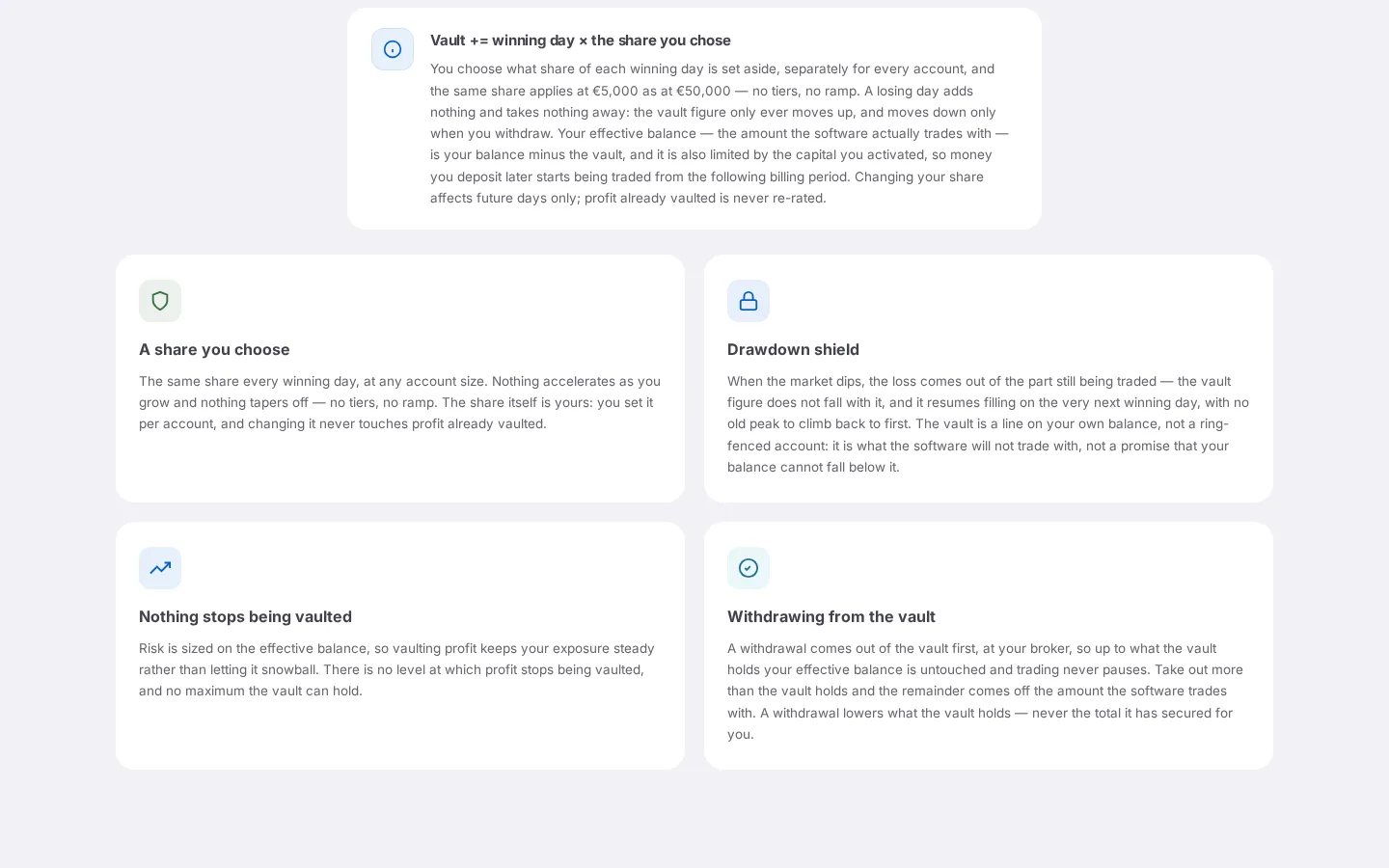
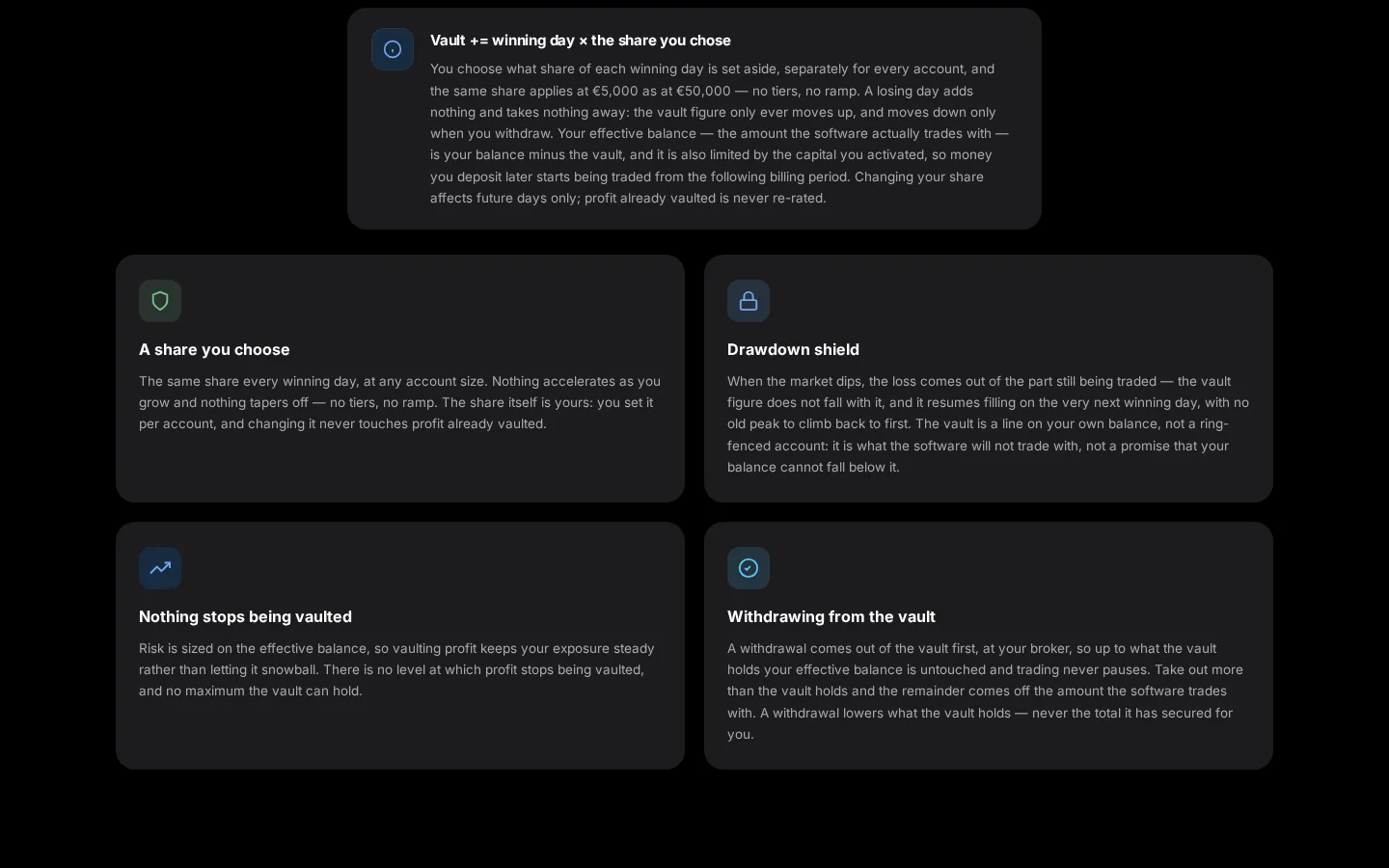
- The Vault page shows your current balance, a history of past activity, and a step-by-step guide for withdrawing or depositing at your broker.
- The confirmation dialogue states plainly what you're confirming and that trading on the whole account starts again within minutes.
- On iPhone, use an alert-style confirmation; on desktop and tablet, it's a sliding sheet.
- CFIN never holds or moves your money itself; confirming simply tells us the change at your broker genuinely happened.
Why it's worth confirming promptly
Trading on that account stays paused until the confirmation is made, so a quick confirmation gets your account back to normal sooner. If you're ever unsure whether a withdrawal or deposit has already been confirmed, the Vault history view shows the full record.
If you regularly move money between CFIN and your broker, it's worth building the habit of confirming as soon as you're back in the dashboard, rather than batching several confirmations together later.